| |
| Seven Great New Reasons to use JotForm for Your Upload Forms |  |
1. Upload Spaces Increased 10x for All Users Great news for all JotForm users! After our recent switch to Amazon Simple Storage Service (S3), our bill for keeping uploaded files has decreased dramatically. We also spend considerably less amount of time with managing servers and storage for uploads. We wanted to pass these savings back to you. That's why, we have increased limits for all users! | | Account | Before | After | | Free | 10 MB | 100 MB | | Premium | 1 GB | 10 GB | | Professional | 100 GB | 1 TB | |
2. Maximum Upload Size Limit Increased to 1GB You have spoken and we have heard! File upload limit per submission is increased to 1GB. Now, you can use JotForm to get very large files from your clients! |
3. Dropbox Integration with Your Forms We're happy to announce that it is now possible to connect your JotForm forms with your Dropbox account. You can access your uploaded files instantly on your computer or mobile phone. We are big fans of Dropbox. It is a great way to share your files among many different computers and mobile devices. Since the files will be downloaded to your computer on the background, you will be able to access them offline as well. Learn more | |
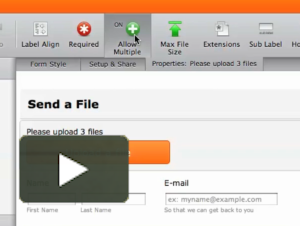
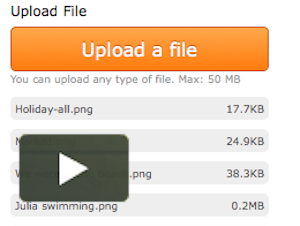
4. Multiple File Uploads We're excited to announce new features that make it is easy to upload multiple files on your forms. Previously, you had to add many upload fields to your form to get files from your users. Now, you can convert your existing upload fields to let users send multiple files at once. Learn more | |
5. Upload Files while Filling a Form While your users are completing a form, their files can be uploaded on the background. This will both save your users' time and increase your form completion rates. Learn more | |
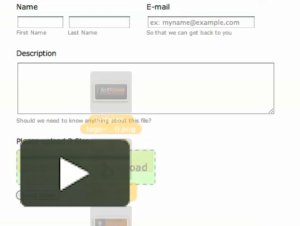
6. Drag and Drop File Uploads Select files on your computer and drag & drop them on the form! This feature is only available on the modern browsers. However, if a browser does not support it, your users will still be able to upload multiple files by selecting them. Learn more | |
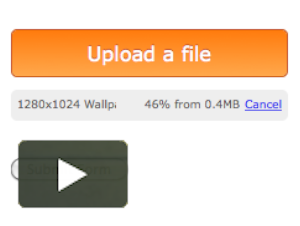
7. Progress Bar on File Uploads Waiting for large files to upload can be a nightmare especially if you do not see any indication of progress. That's why we implemented a very cool progress bar. Learn more | |
| JotForm is great for creating upload forms. Do you know a friend or a colleague who might have a need for an upload form? Forward this email to them. |